
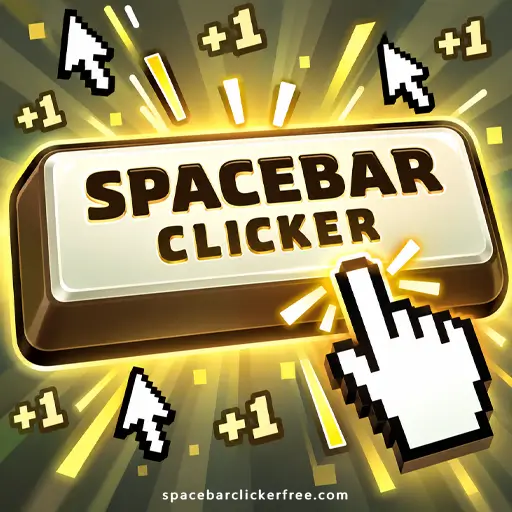


Play Spacebar Clicker free in your browser and turn a few spacebar presses into a growing stream of points. Start by pressing the key or clicking the on-screen button, then spend your points on helpers and keyboard upgrades. The satisfying part is deciding what to buy next as each new purchase brings another upgrade within reach.
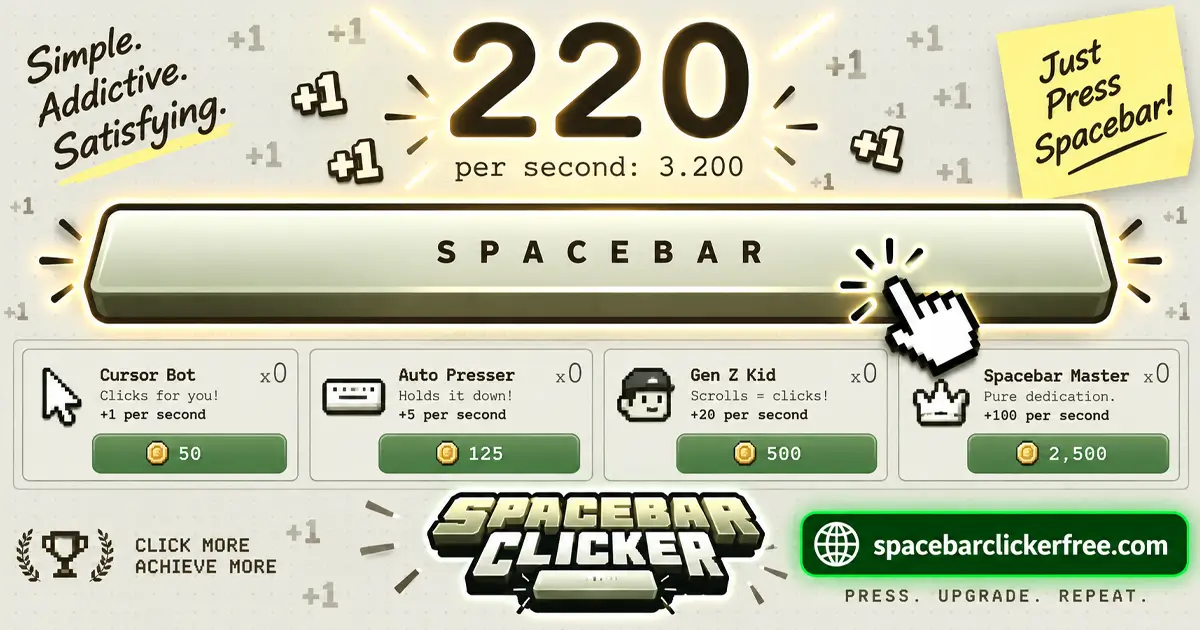
What Is Spacebar Clicker?
Spacebar Clicker is an incremental game built around earning points and improving production. It belongs to both the Clicker Games and Idle Games categories: your own inputs get things moving, while automatic helpers take on more of the work as you progress.
Your total is also your spending money. Buying an upgrade makes the number drop, but a useful purchase helps you build it back faster. That makes choosing where to spend just as important as collecting points in the first place.
Bruno Croci, also known as CrociDB, created the original game for js13kGames in 2021. This page features the newer version, whose early helpers include Sleepy Ant, Boomer Mom, and Munchy Koala.
How to Play Spacebar Clicker
- Earn your starting points. Press the spacebar on your keyboard or click the large spacebar button in the game.
- Buy an automatic helper. Once you can afford one, purchase it to begin adding points without pressing continuously.
- Compare your next purchases. Look at the current price and what each option adds before spending.
- Improve your manual presses. Keyboard upgrades give active clicking another route to stronger production.
- Reinvest as your total grows. Check the shop again after purchases instead of assuming the same helper will always be the best deal.
Choose a small goal for your first session, such as buying your first helper or reaching a particular production rate. A clear next purchase gives you something useful to work toward without needing to chase an enormous score immediately.
Spacebar Clicker Controls
- Keyboard: Press the spacebar to earn points.
- Mouse: Left-click the on-screen spacebar and click shop entries to buy upgrades.
- Phone or tablet: Tap the spacebar button and upgrade entries.
On desktop, you can combine keyboard presses with mouse clicks. Start with whichever input feels comfortable, then try combining them when you want a short burst of active play.
Helpers and Keyboard Upgrades
Automatic Helpers
Helpers provide automatic production. The roster expands from Sleepy Ant and Boomer Mom to helpers such as Doomscroller and Angry Influencer. Each entry shows its cost, production, and how many you own; repeat purchases become more expensive.
Keep three numbers separate when comparing options: the points available to spend, the price of the next purchase, and the production it adds. Owning more helpers is useful only in the context of what those purchases do for your next goal.
Keyboard Upgrades and Critical Hits
- Upgrade Keyboard: Doubles the value of a manual press.
- Critical Hit Chance: Makes bonus-point presses more likely.
- Critical Hit Multiplier: Makes those bonus presses worth more.
Think about how you intend to play before committing your points. A purchase that rewards frequent manual input has a different purpose from one that adds automatic production.
Combos and Achievements
Repeated inputs fill the combo bar. When it fills, manual presses receive a temporary 10x bonus. The game also includes more than 120 achievements.
A combo is a good time to pay attention to active inputs. Keep your shopping decisions separate from the excitement of a rising number: a brief bonus does not make every available purchase equally useful. Achievements offer additional milestones alongside your own production goals.
Tips for Choosing Better Upgrades
Compare the Next Purchase, Not the Starting Price
An early helper can look inexpensive when you first unlock it, then become a less attractive purchase after you have bought several. Recheck its current price against the other options. The name or position of an item in the shop does not tell you its value by itself.
For a helper with a clearly stated production gain, divide its price by the extra points per second it adds. The result estimates how many seconds of that extra production would repay the purchase, assuming a steady rate.
For example, a hypothetical helper costing 1,000 points and adding 20 points per second would repay that cost in about 50 seconds. An option costing 1,500 and adding 50 per second would take about 30 seconds. These are example figures, but the comparison is useful when two purchases are competing for your points.
Match Spending to Your Session
If you plan to press actively for a while, consider what a manual upgrade would add over that session. If you are taking a break from pressing while keeping the game running, compare automatic production instead. There is little value in buying an upgrade for a style of play you are not about to use.
Give Saving a Purpose
Saving for a larger purchase can make sense when it is close and offers a useful improvement. Otherwise, consider whether a smaller purchase would help you reach it sooner. Before spending, ask one practical question: will this purchase bring my next goal closer, or delay it?
Saving Progress and Playing in Your Browser
You can play in a desktop, phone, or tablet browser without installing a separate game application.
Your progress saves, so you can continue when you reopen the browser. The game does not earn points while the browser is closed. Returning later restores your saved progress rather than awarding income for the hours you were away.
Plan purchases around that distinction. If you are about to end a session, there is no need to rush into an automatic helper solely because you expect it to produce points overnight with the browser shut.
Similar Games
If you would like another clicker game to try, these titles are good candidates for your next session:
Frequently Asked Questions
Is Spacebar Clicker the Same as a Spacebar Speed Test?
No. A timed spacebar test measures how many inputs you make during a fixed interval. This game focuses on earning points and buying upgrades. Your growing total reflects production and upgrade choices as well as manual input.
Do I Need an External Autoclicker?
You can build automatic production using the helpers available in the game. Buying those helpers is the normal progression route for earning points without pressing continuously; it does not require a separate clicking tool.
Why Does My Score Drop When I Buy Something?
You spend points to purchase helpers and upgrades. A lower total immediately after shopping is expected. Judge the purchase by the improvement it provides and how it helps you reach your next target.
Can I Play Spacebar Clicker Unblocked?
Whether the page opens depends on the rules of the network and device you are using. A browser game cannot guarantee access through every school or workplace filter.
Conclusion
Spacebar Clicker gives a simple keyboard action a useful progression loop: collect points, weigh your next purchase, and improve production. Start with a manageable target, compare the upgrades you can actually afford, and let each purchase help fund the next one.