

Play Brainrot Clicker online and turn a few taps into a growing collection of meme characters. Click Tralalero Tralala for coins, improve your click power, and build automatic income. Character chests, gem-priced eggs, and a coin-catching mini-game give you several goals beyond watching the balance rise.
What Is Brainrot Clicker?
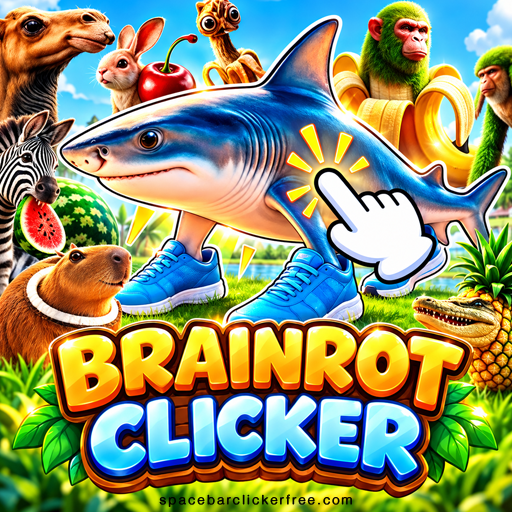
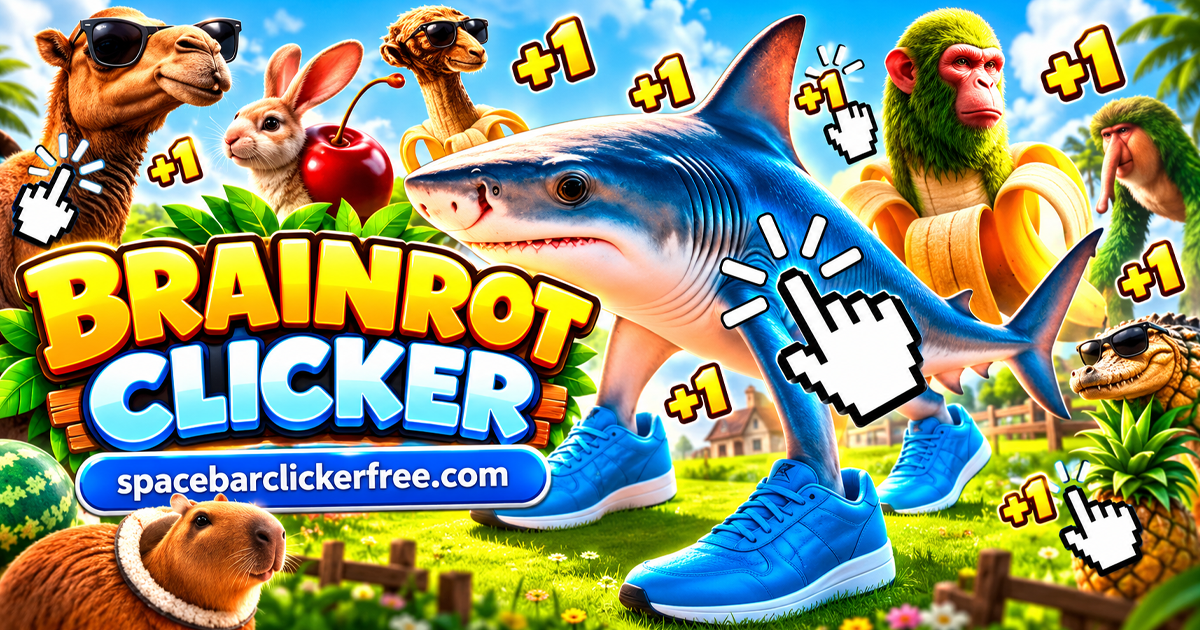
Brainrot Clicker is a browser clicker and idle game built around unusual Italian brainrot characters. You begin with Tralalero Tralala, a shark wearing blue sneakers, against a blue star background. Coins buy production upgrades and move you toward level milestones, while purple gems belong to a separate egg collection.
The main decision is how much to reinvest before saving for your next milestone. Spending makes future coins easier to earn, but it also lowers the balance available for your next level. You can focus on active clicking, automatic production, or a mixture of both.
How to Play Brainrot Clicker
- Click the large character. Each successful click earns coins. Watch the coin balance at the top of the screen.
- Buy an early upgrade. The flower increases coins per click, while the lightning bolt increases coins per second.
- Work toward the level target. The opening target is 5K. Compare your remaining balance with the price of another upgrade before spending.
- Open an earned character chest. When the chest becomes available, enter the character collection and open it to reveal a new character.
- Continue building your collection. Return to the main screen, work toward the next target, and explore the egg and mini-game tabs when you want another activity.
Controls and the Four Bottom Tabs
Use the mouse to click the central character, buy upgrades, and select menu buttons. On a touchscreen, use taps for those buttons and the character. The coin-catching mini-game uses a horizontal drag to move your character across its platform.
- Clipboard: Open the main character collection and its chest.
- Globe: Return to the main clicking screen.
- Crossed swords: Enter the coin-catching mini-game.
- Spotted egg: Browse the egg collection and gem costs.
Check the selected tab if the usual upgrade cards disappear. You may be viewing a collection or side activity rather than the main game. The globe is the quickest way back to earning on the central character.
Coins per Click, Coins per Second, and Upgrades
Coins are your spending balance. The stopwatch counter shows your automatic coin production, and purple gems are a different currency. Buying a click upgrade increases the value of manual input; buying an automatic upgrade increases the income generated while the main game runs.
The early upgrade cards show both their effect and their current price:
- Flower: Adds 1 coin per click. The first purchase costs 10 coins, and the next costs 14.
- Lightning bolt: Adds 1 coin per second. The first purchase costs 25 coins, followed by 35.
- Ring: Adds 20 coins per click. Its first purchase costs 500 coins, followed by 700.
Prices rise as you buy more levels, so compare the current card values instead of treating the starting price as permanent. The small number on a card tracks its purchased level. Question-mark cards reveal additional options as you progress.
For a quick comparison, divide an automatic upgrade's price by its added income. An upgrade costing 35 coins for one extra coin per second takes about 35 seconds of production to recover its cost before bonuses. Manual upgrades depend on how frequently you click, so their value changes with your play style.
Character Milestones and Egg Unlocks
Main Characters and Level Chests
The clipboard collection has nine main character slots. Your starting shark occupies one, while locked characters appear as question marks. Level progression makes a chest available; open the collection and then select the chest to reveal its character.
The first level transition uses the 5K milestone coins and changes the next target to 25K. Expect your spendable balance to drop when you advance. Your purchased upgrades remain, so you continue with stronger production rather than rebuilding from the beginning.
Characters include the coffee-cup dancer Ballerina Cappucina. Choose an unlocked character in the collection to change the figure on the main screen. Keep level progression and character selection separate: opening a chest reveals a character, while selecting a collected character changes which one you use.
Gems and Eggs
The egg tab provides a separate collection goal. The first egg displays a price of 10 gems, a progress percentage, and arrows for browsing other eggs. Check the purple gem counter before choosing an egg; having enough coins for an upgrade does not mean you can afford a gem-priced purchase.
A button offering three gems also appears with a video icon. Treat that as a separate reward offer and read its conditions before activating it. Keep your coin plan focused on production and levels, and use the egg screen to decide where your gems should go.
The Red Meter and Thung Encounter
The red meter on the left leads into a separate encounter with Thung Thung Thung Sahur. The background turns red, and the wooden character appears with an HP bar along the bottom instead of the usual upgrade shop.
Continue clicking the character during this encounter and follow the HP bar. A back arrow returns you to the main screen. This is a side encounter within your run; use the globe and normal upgrade screen when you want to resume managing production and the next level target.
X2 Coins, Gifts, and Optional Rewards
The right-hand meter is marked X2 and builds during active clicking. It is separate from the yellow X2 3 MIN button beside the character. That button has a video icon and advertises a three-minute reward offer.
Gift icons can also appear during play. Check what the game offers when you select one rather than assuming every gift gives the same reward. For buttons marked with a video icon, reward availability depends on the offer being available and completed. You can keep earning through ordinary clicks and production upgrades without building your strategy around those buttons.
The Coin-Catching Mini-Game
Select the crossed-swords tab to switch to a platform with falling coins and red balls. Drag your character left or right to position it beneath coins, and steer away from the red balls.
Move toward a reachable coin before it reaches the platform. Chasing an item across the entire screen can put you underneath a red ball, so favor nearby openings. Return to the globe when you want to spend your balance or continue the main clicking loop.
Tips for Growing Your Coin Income
- Match upgrades to your session. Click power is useful when you are actively tapping. Automatic income is useful when you leave the main game running between clicks.
- Compare larger upgrades with repeated small purchases. Once the ring appears, its +20 click effect gives you another option alongside the flower's smaller increases.
- Watch the remaining milestone balance. An upgrade may improve income but delay a nearly completed level. Decide whether you want the chest soon or stronger production afterward.
- Collect available chests. A chest notification is a reason to visit the clipboard. Reaching a level and opening its character reward are separate actions.
- Keep coins and gems separate. Judge coin upgrades by production value and eggs by their displayed gem price.
- Read each new card. Costs and effects change as more upgrades become available. Recheck the current values before committing a large part of your balance.
Saving Progress in Your Browser
The game retains purchased upgrades and gems when reloaded in the same browser. Continue with the same browser profile, and avoid clearing its site data if you want to keep that progress. A different device or browser may not have the same save.
Saving and earning are separate features. Use the coins-per-second counter to follow production with the main game open; retaining a save does not itself establish that coins accumulate while the browser is closed.
Similar Games
If you enjoy choosing upgrades and building automatic income, try these other clicker games:
Brainrot Clicker FAQ
Is Brainrot Clicker free to play?
Yes. You can play this browser version for free without downloading an installer. Some optional reward buttons display a video icon.
Which Brainrot Clicker version is this?
This version starts with Tralalero Tralala on a blue star background. It uses coins, purple gems, level chests, eggs, and four bottom tabs. Games with the same name can have different upgrade systems and character collections.
How do I unlock more characters?
Reach the level target to make a character chest available, then open it in the clipboard collection. The first target is 5K coins. Eggs have their own collection screen and gem prices.
Do Roblox Brainrot Clicker codes work here?
Do not expect codes for a Roblox experience to work in this standalone browser game. Its interface does not show a Roblox code-redemption menu.
Is this Brainrot Clicker 2?
This page covers Brainrot Clicker, using the blue-background game described above. A sequel or another similarly named game may use different controls, rewards, or progression.
Conclusion
Brainrot Clicker combines growing coin production with character chests, gem-priced eggs, and a hands-on mini-game. Start with affordable upgrades, watch the next level target, and collect each available chest before deciding where to invest next.