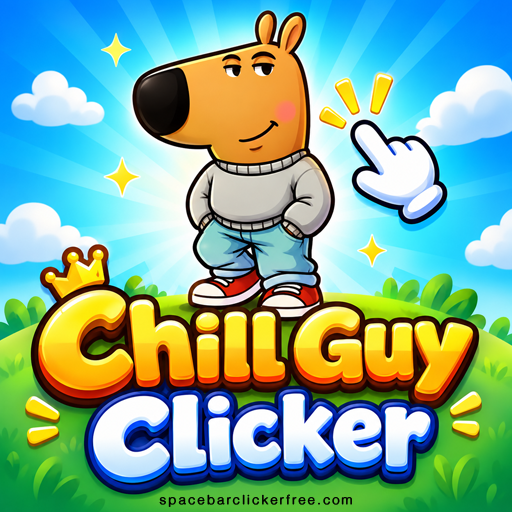
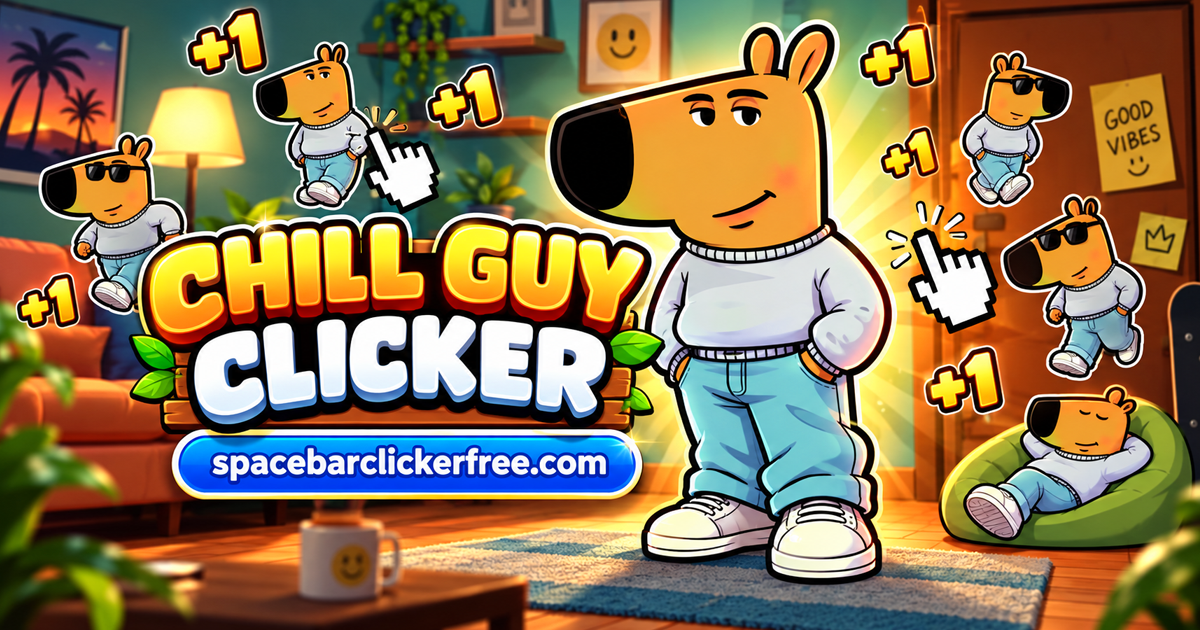
Chill Guy Clicker turns the laid-back dog meme into a game of small purchases and increasingly large numbers. Click Chill Guy to earn points, put them into stronger clicks or automatic production, and unlock new looks along the way. You can play free in your browser, build a steady income, and return to your saved run later.
What Is Chill Guy Clicker?
Chill Guy Clicker is an incremental game where the points you earn also pay for your upgrades. The balance above the character shows what you can spend, while the counter underneath shows your automatic production. The shop sits on the right, with more purchases available farther down the list.
Your first few points come from manual input. After buying automatic upgrades, you can let production run between clicks and decide how to invest the next batch of points. Achievements, outfits, weather effects, and an ascension leaderboard give you several goals to pursue at your own pace.
How to Play Chill Guy Clicker
- Click the character to earn points. You start with one point per click before any temporary bonus.
- Buy Cursor for 50 points. It adds one point to your base click power, making each manual click more valuable.
- Build toward Auto Click. This upgrade costs 125 points and adds one point per second before multipliers.
- Choose your next investment. Improve manual earnings, add automatic production, or save toward a stronger shop row.
- Follow the unlock notices. Check your new skins and weather effects, then inspect the Ascend offer when you are ready to consider a reset.
Buying an upgrade spends your current balance, so the total can fall sharply after a useful purchase. Watch the earning counters as well as the balance to judge whether your setup is improving.
Controls and Game Menus
- Mouse: left-click Chill Guy to earn points and click shop rows to buy available upgrades.
- Spacebar: press it to earn points when the game area has focus. Click inside the play area first if the key does not respond.
- Touch controls: tap the character and on-screen buttons.
- Upgrade list: use the panel's scrollbar to inspect later purchases.
- Outfit icon: browse Chill Guy appearances with the collection arrows.
- Cloud icon: browse available and locked weather effects.
- Podium icon: open the leaderboard.
- Gear icon: open the settings, including separate music and sound sliders.
The main decisions happen in the shop and menus. You do not need to steer the character, dodge obstacles, or learn a movement-key layout.
Click Power vs. Automatic Production
Click Power measures the points earned through manual input. The Chill Guy Per Second counter measures automatic earnings. A larger balance does not automatically increase either value; you improve them by choosing the appropriate upgrades.
These opening purchases show how the two types work. Their listed effects are base amounts, before temporary or ascension multipliers.
| Upgrade | Cost | Base effect |
|---|---|---|
| Cursor | 50 points | +1 point per click |
| Auto Click | 125 points | +1 point per second |
| Mr Clicker | 500 points | +5 points per click |
| Chill Guy Farm | 1,100 points | +6 points per second |
The early upgrade rows keep their listed prices as you buy additional copies. That lets you compare their effects without assuming the next purchase will become more expensive. Read whether the description says per click or per second; the hand-shaped icons alone are not enough to distinguish them.
For example, at a base rate of two points per manual click, ten clicks produce 20 points. One Auto Click produces one point each second while the game runs. Your preferred pace determines how useful each purchase feels.
How the 2x Bonus Works
Clicking quickly fills the meter on the left. When the 2X effect activates, the background changes and the displayed earning values increase. The bonus is temporary: when it ends, those values return to their usual levels.
Use the meter as an opportunity for an active clicking session. A temporary jump in Click Power does not mean the base effect written on an upgrade has permanently changed. You can make spending decisions using the shop's base descriptions rather than waiting for 2X before every purchase.
Also watch for the small golden Chill Guy that appears during play. Clicking that bonus target can reward you with extra points. It is separate from the large character you click throughout the run.
Skins, Weather, and Achievements
Unlocks give your progress a visible reward. One early milestone is 100 clicks: the game displays the Centenary click achievement and unlocks Equilibrist Chill Guy, recognizable by the apple balanced on his head.
Later appearances include Witch, Mexican, Super, King, and Umbrella Chill Guy. Open the outfit collection to browse what you own and what remains locked. The menu distinguishes selected skins from locked entries, so you can check the collection without guessing from the current character alone.
Weather has its own collection. Normal is the starting option, with effects such as Rain and Snowing initially locked. Progression also reveals effects including Sunny, Star Rain, and Windy. Watch the unlock notices and return to the cloud menu when a new effect becomes available.
Keep collection goals separate from production decisions. For earning more points, follow the upgrade descriptions and counters; do not assume a different hat or background provides an unlisted income bonus.
When to Ascend
Ascension is a progression reset that trades your current run for a stronger multiplier. The bottom of the shop shows your current Ascension Multiplier and the separate offer on the Ascend button. At the beginning, the multiplier is 1.0x and the offer is 0x.
Consider ascension when the available benefit makes rebuilding more attractive than continuing with your existing setup. A player who is still reaching useful purchases quickly may prefer to keep going; a slower run may make the reset worth considering.
Before confirming, read the reset message carefully, including what it removes and what carries forward. Treat ascension as a decision about the next run, rather than an ordinary purchase to press as soon as it becomes available.
The Ascension Leaderboard
The podium button opens a leaderboard with Today, Week, Month, and Alltime filters. Its columns show rank, region, name, and an Ascend value. Choose a period to see the corresponding table.
This gives you an optional comparison goal alongside collecting skins and growing production. You still manage your own run independently; the table is not a live match against opponents. Its Ascend column is also different from your spendable point balance.
Tips for Steadier Progress
- Start automatic production early. Auto Click earns between your own clicks and makes a slower playing pace practical.
- Buy for the way you play. Manual upgrades reward active input; per-second upgrades support breaks from clicking.
- Compare effects with prices. Check whether several smaller purchases or one larger upgrade better supports your next goal.
- Check the multiplier before comparing totals. An active 2X effect can make current output look higher than the normal rate.
- Use one clear milestone at a time. Aim for a particular purchase, a collection unlock, or a better ascension offer.
- Keep reinvesting. A large unspent balance gives you options, but production upgrades are what improve future earning speed.
Saving Progress and Offline Earnings
This browser version retains progression when you close and reopen the game in the same browser. Purchased upgrades and the unlocked Equilibrist appearance can carry over, letting you continue an established run.
An Offline Earnings box can appear when you return. Read the reward shown and select TAKE to collect it. Do not assume that time away pays at the same rate as keeping the game open; use the amount offered by the game.
Return through the same site and browser profile to keep using your save. Clearing site data or switching profiles can affect access to browser-based progress. Offline earnings describe a return reward, not a promise that the game can load or run without an internet connection.
Similar Games
For another game centered on clicking, upgrades, and growing production, try one of these:
Chill Guy Clicker FAQ
Is Chill Guy Clicker free without a download?
Yes. You can play this version in your browser without installing a separate game.
Is this Chill Guy Clicker 2, 3D, or a Scratch version?
This page covers Chill Guy Clicker with the points shop, outfit and weather collections, and ascension system described above. Do not assume separately labeled sequels, 3D editions, or Scratch projects have identical features.
Do you need an external autoclicker?
No. The built-in Auto Click upgrade and later automatic-production purchases generate points without repeated manual input.
Can you play Chill Guy Clicker unblocked?
Access depends on the rules and filters of your network. Being a browser game does not guarantee availability on every school or workplace connection.
Conclusion
Chill Guy Clicker gives you several ways to enjoy the same growing run: click for a short burst, build automatic income, collect a new appearance, or work toward a better ascension offer. Start with a useful upgrade, keep an eye on the 2X meter, and choose the next milestone that suits your pace.